
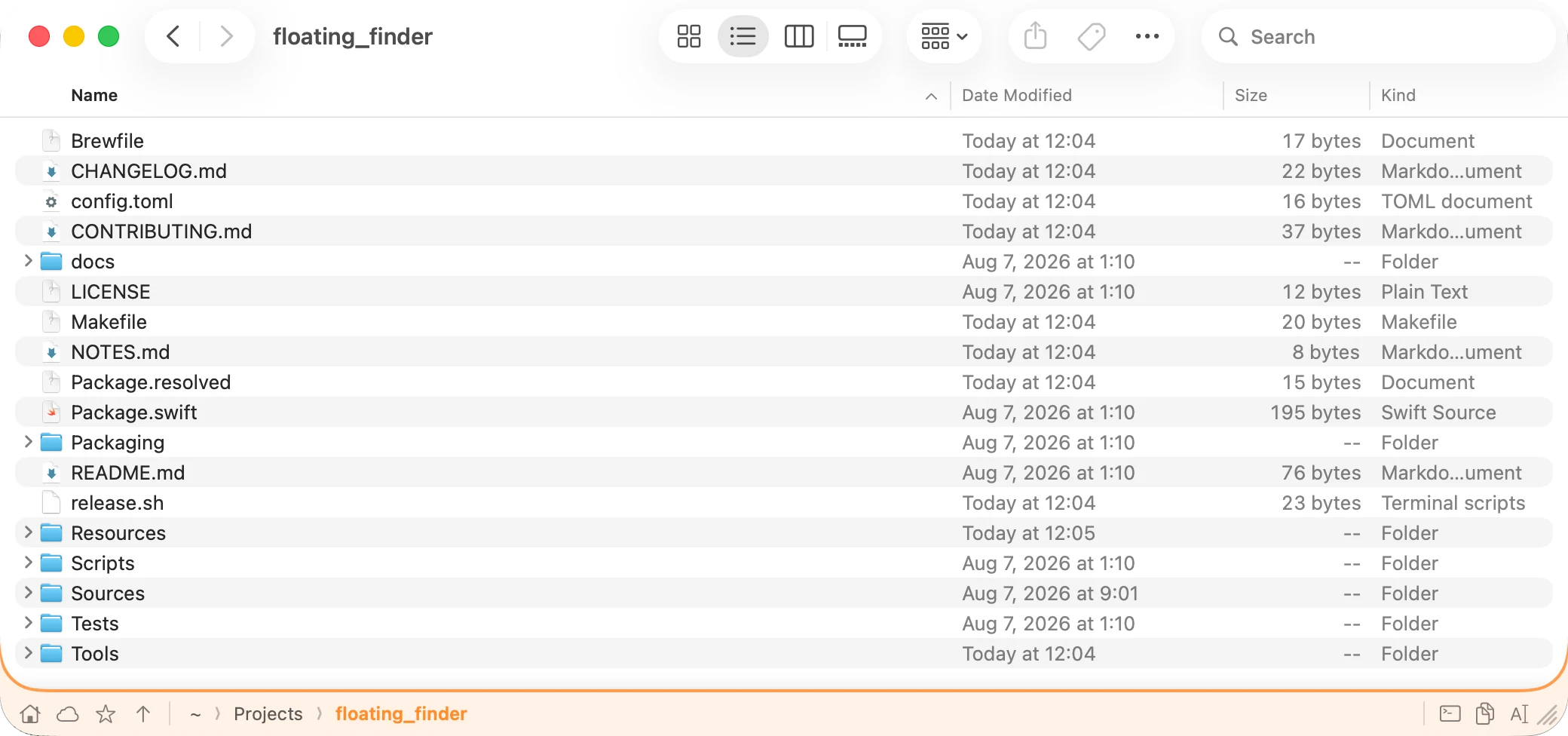
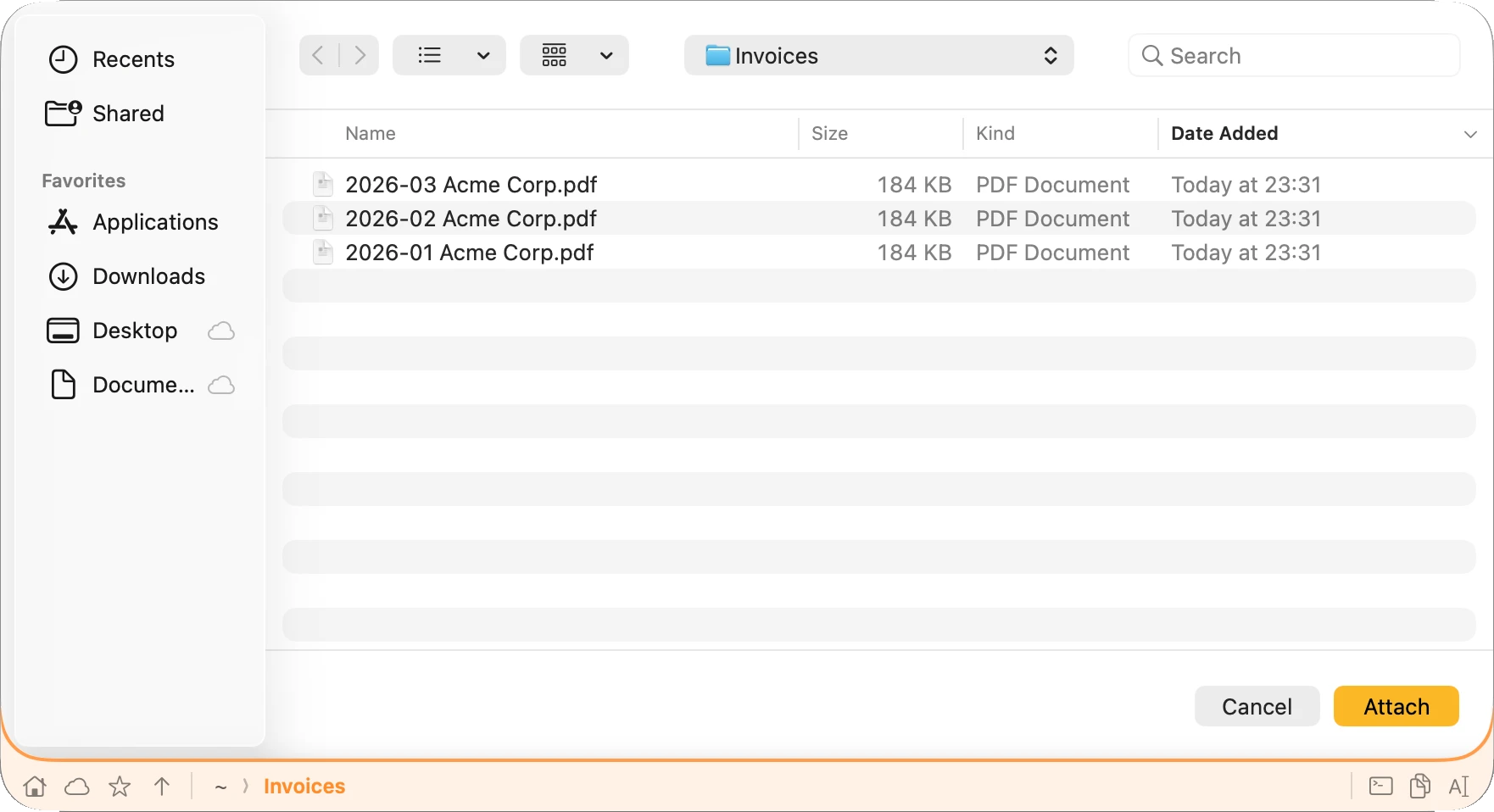
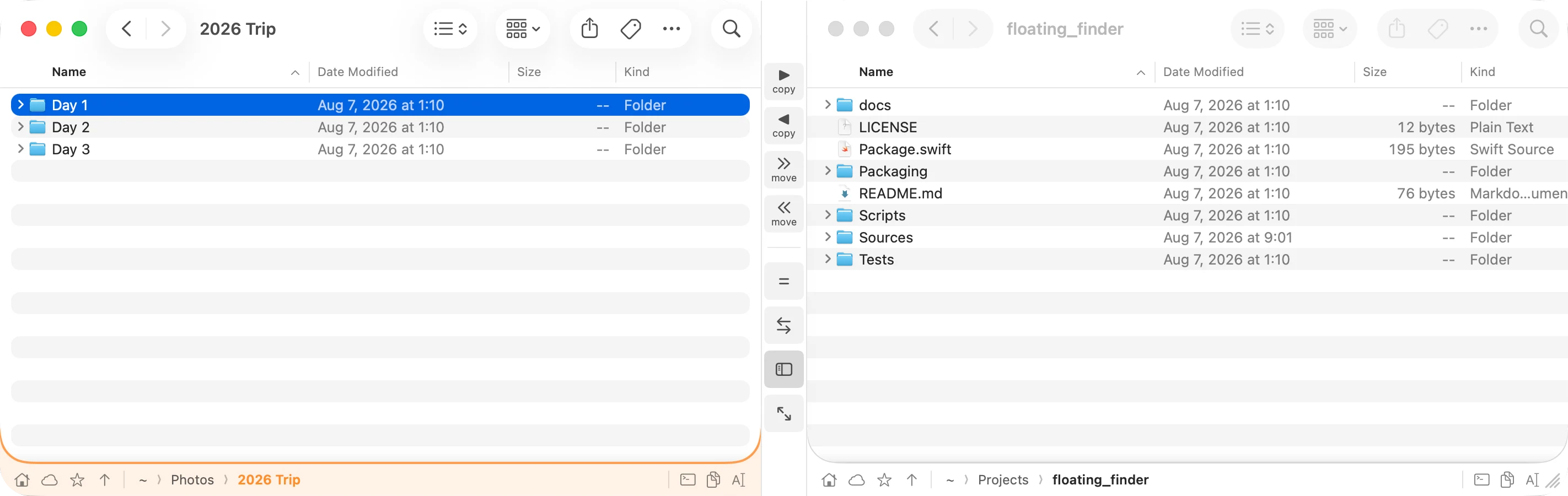
Address bar
Always know where you are.
The same breadcrumb address bar you had in Windows Explorer, on every Finder window. Click any crumb to jump up a level. Click the empty space and the bar turns into a field you can type a path into. Copy the full path, open the folder in your terminal, or bookmark it — without leaving the window.
- Breadcrumb navigation, click to jump
- Type a path directly and press Enter
- Copy path to the clipboard in one click
- Open in Terminal — or whichever terminal app you choose
- Bookmark folders you keep coming back to

